Kara TejaratMehr Aein
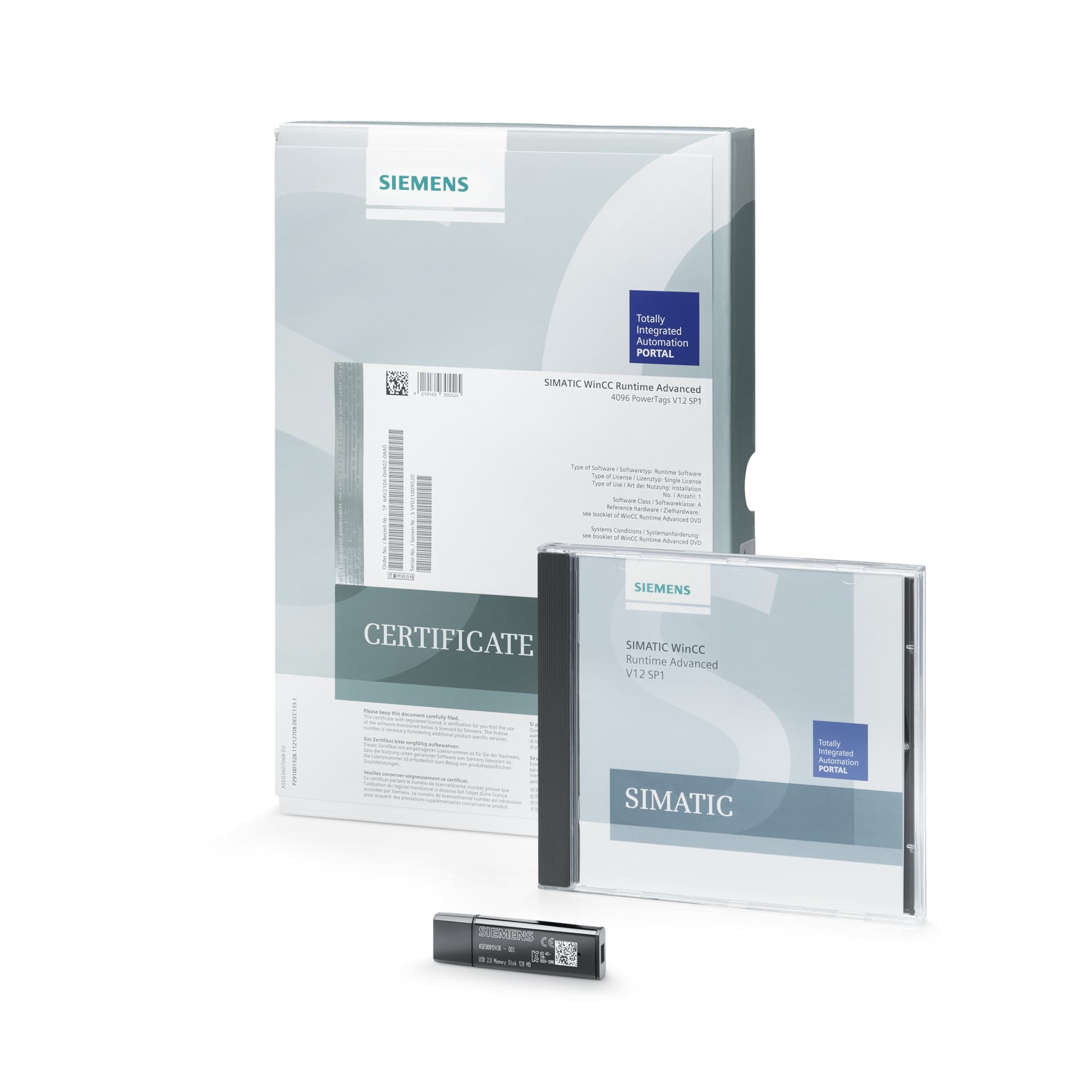
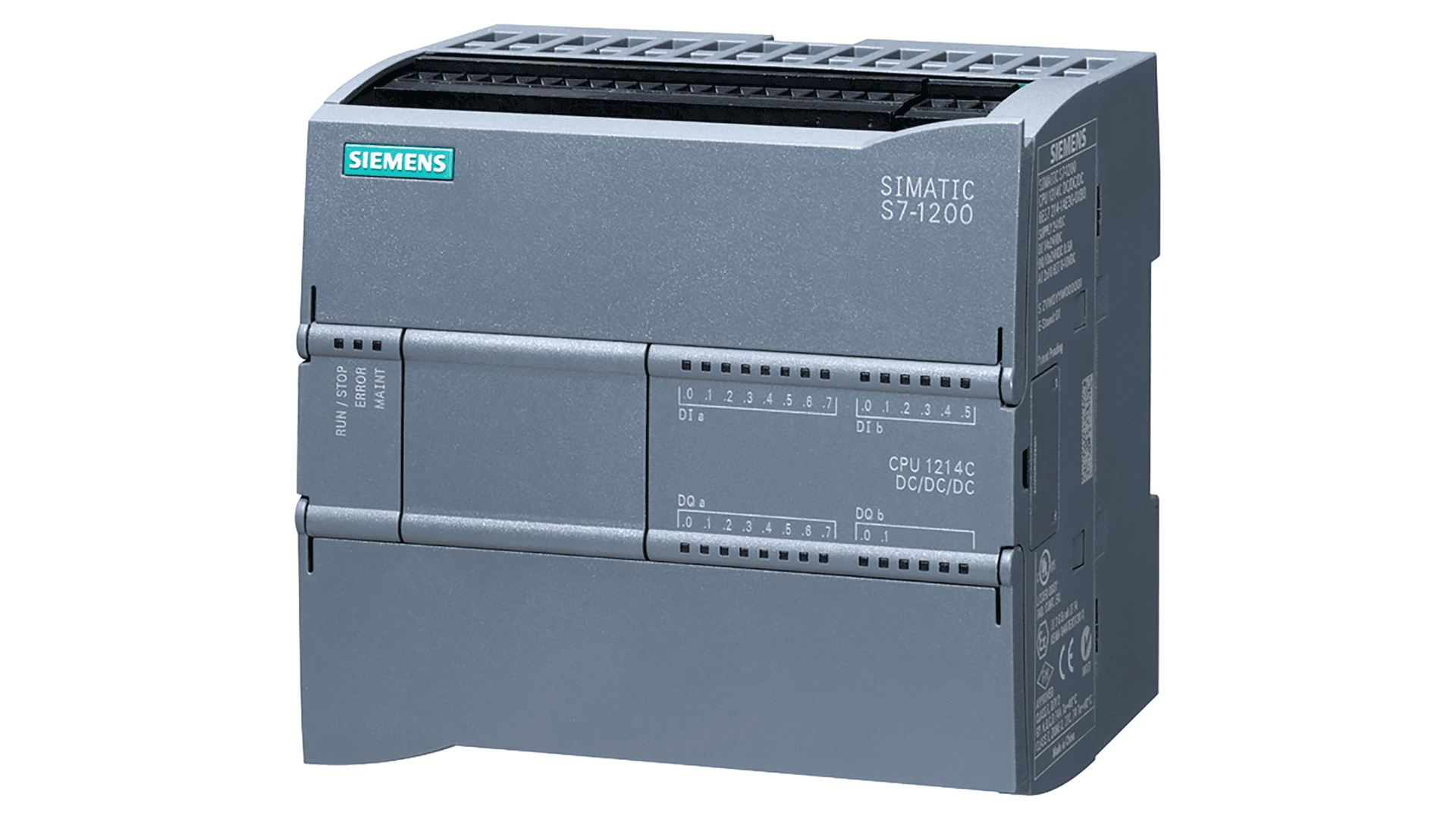
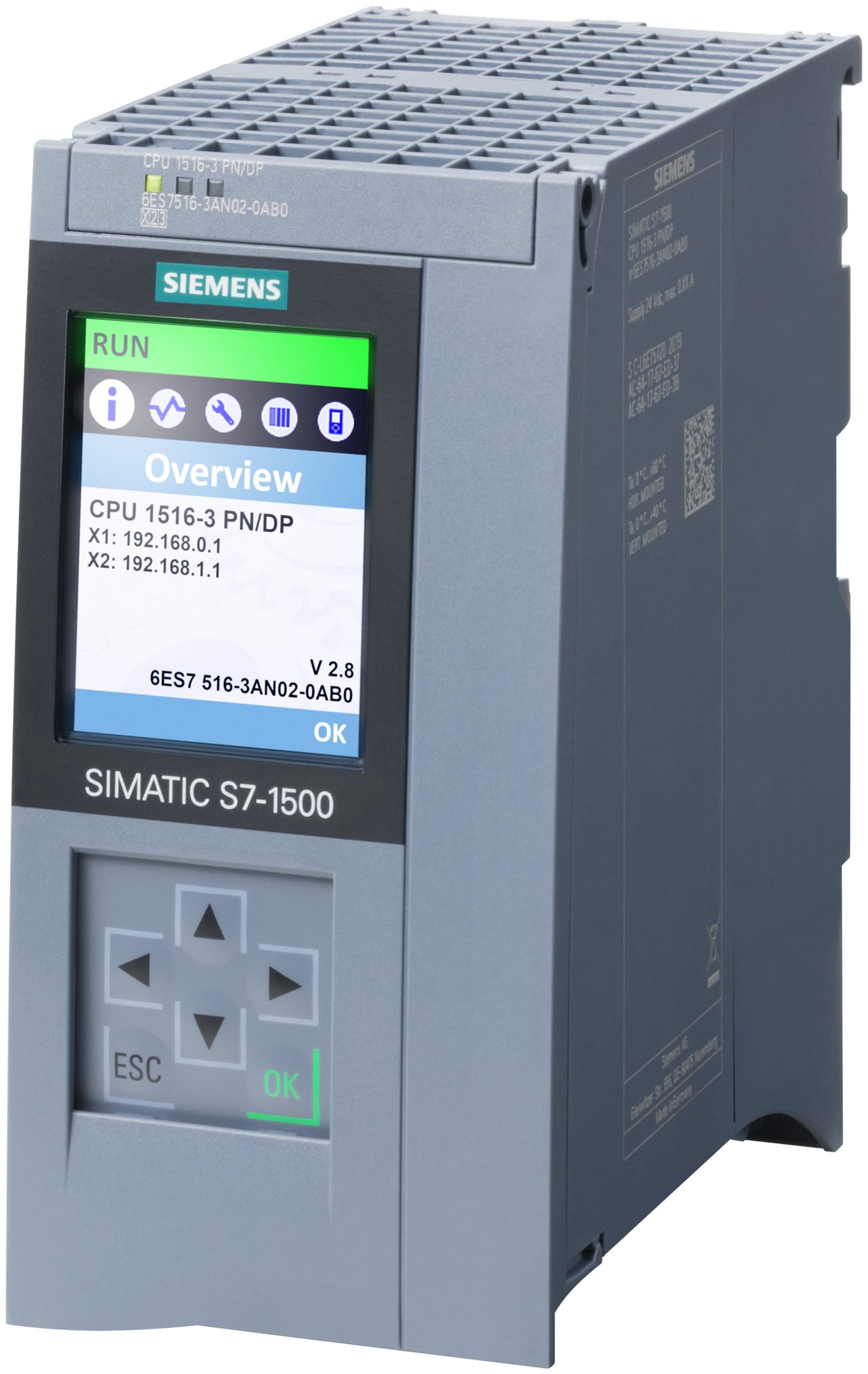
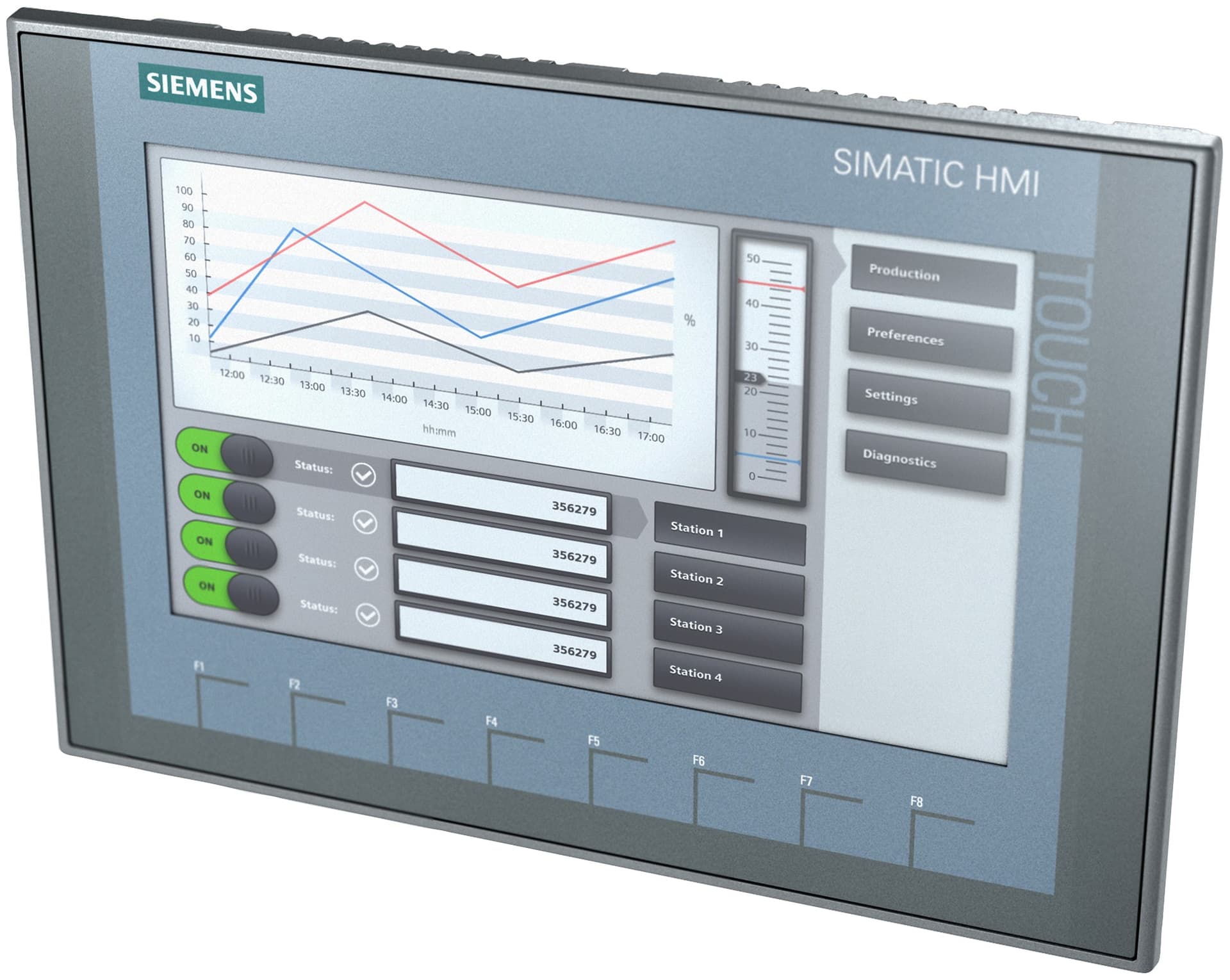
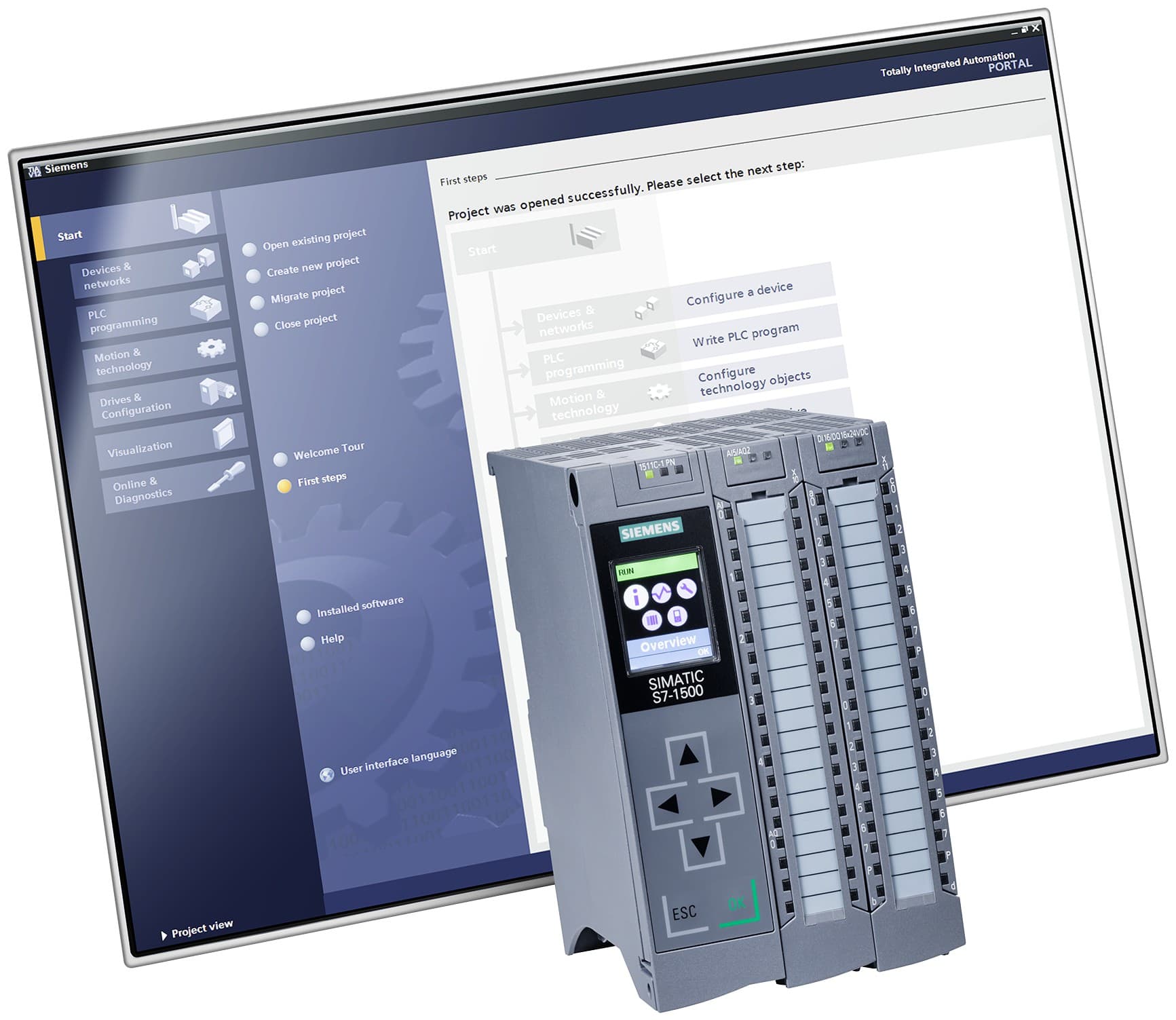
نرم‌افزار زیمنس TIA Portal، نمای Portal view روی مانیتور در کنار پی‌ال‌سی SIMATIC S7-1500

© Siemens AG

tia-portalSeries TIA PortalActive

Siemens TIA Portal engineering software

TIA Portal

Siemens' integrated engineering framework that brings PLC programming, HMI and SCADA design and drive commissioning together in one project; current version V21

Price and delivery time are given after a technical review.

Overview

Overview

TIA Portal (Totally Integrated Automation Portal) is Siemens' engineering framework for automation: one environment and one project for controller programming, HMI and SCADA design, and drive commissioning. TIA Portal is not a single product with a single order code; each software package inside it (STEP 7, WinCC, Startdrive and the options) has its own order code and licence.

Read more

What is inside

  • SIMATIC STEP 7 (Basic and Professional): configuring, programming, testing and diagnosing SIMATIC controllers.
  • SIMATIC WinCC: HMI and SCADA engineering, both in the classic range (Basic, Comfort, Advanced, Professional) and as WinCC Unified.
  • SINAMICS Startdrive: commissioning of SINAMICS drives inside the same project.

Siemens' TIA Portal page also names multi-user engineering, Module Type Package (MTP) solutions, extended security functions and the generative-AI assistant Eigen Engineering Agent.

Version and updates

The current version is V21, which Siemens presented at the SPS trade show on 11 November 2025. From V21 there are no service packs; they are replaced by "updates" (regular, cumulative improvements) and "hotfixes" (fast fixes for critical security and stability issues). The technical version numbering changed with it: 21.0.0.0 is the release, 21.0.1.0 is Update 1 and 21.0.0.1 is Hotfix 1. The latest update readme found (04/2026) covers Updates 1 and 2.

On 24 September 2026 Siemens announced TIA Portal V21.1 for SPS 2026 and said that, for the first time, the installed software is decoupled from licensing. The release date and the licence terms of V21.1 have not yet been confirmed from a Siemens source.

Licensing

Licence keys are installed with the Automation License Manager. Without a valid key a trial licence can be activated once; it expires after 21 days, after which TIA Portal runs only with restrictions.

System requirements (V21)

Windows 10 Enterprise 21H2/2021 LTSC, Windows 11 (Professional and Enterprise; the Home edition only for the Basic editions) and Windows Server 2022 and 2025 Standard. Minimum: Intel Core i3-6100U, 8 GB RAM and 20 GB of disk space. Siemens recommends a Core i5-8400H, 16 GB RAM (32 GB for large projects) and an SSD.

Features

  • One engineering environment for the controller (STEP 7), HMI and SCADA (WinCC) and drives (Startdrive)
  • Current version V21, presented in November 2025; Updates 1 and 2 have been released
  • New SIMATIC SD export format for working with Git and CI workflows on LAD, FBD, SCL, data blocks and PLC data types
  • WinCC Unified with a redundant server architecture and the Unified Data Hub as a central archive (V21)
  • Multi-user engineering, MTP solutions and extended security functions
  • The generative-AI Eigen Engineering Agent connected to TIA Portal
  • On-premises, by subscription or in the cloud; TIA Portal Cloud needs no installation on the engineering station
  • Licence-key based with the Automation License Manager, plus a 21-day trial

Advantages

  • One project for the controller, the HMI and the drive, with no need to maintain separate tools
  • A STEP 7 Professional V21 licence key also runs older versions (down to V11) without restrictions
  • Hotfixes are separate from updates: critical security and stability fixes arrive without waiting for the next update
  • Updates and hotfixes stay compatible with existing projects; only projects that use new devices require the updated version

Models and codes

Models and codes
ModelOrder codeCode typeAttributesRequest
STEP 7 Professional V21نرم‌افزار STEP 7 Professional نسخهٔ V21؛ زیمنس در مثال کاربردی ۰۳/۲۰۲۶ همین کد را به‌عنوان «TIA Portal V21» برای برنامه‌ریزی S7-1500 آورده است6ES7822-1AA25-0YA5Exact code
Version:
V21
Software:
STEP 7 Professional
Request STEP 7 Professional V21
STEP 7 Basic V21نرم‌افزار STEP 7 Basic نسخهٔ V21 با توابع ایمنی؛ زیمنس آن را در کیت استارتر S7-1200 G2 عرضه می‌کند6ES7822-0AA25-0YA5Exact code
Version:
V21
Software:
STEP 7 Basic
Request STEP 7 Basic V21
STEP 7 Professional V21/2021 SR4 Combo (download)مجوز Combo برای STEP 7 Professional V21 و STEP 7 Professional 2021 SR4 کلاسیک، با تحویل آنلاین (OSD)6ES7810-5CE18-0YB5Exact code
Version:
V21 / 2021 SR4
Delivery:
Online software delivery (OSD)
Request STEP 7 Professional V21/2021 SR4 Combo (download)
STEP 7 Professional V21/2021 SR4 Combo (USB package)همان مجوز Combo با تحویل روی USB6ES7810-5CC18-0YA5Exact code
Version:
V21 / 2021 SR4
Delivery:
USB
Request STEP 7 Professional V21/2021 SR4 Combo (USB package)
WinCC Advanced V21نرم‌افزار مهندسی WinCC Advanced نسخهٔ V21 در TIA Portal؛ زیمنس در مثال کاربردی ۰۴/۲۰۲۶ آن را «SIMATIC WinCC Advanced V21, engineering software» می‌نامد6AV2102-0AA02-5AA5Exact code
Version:
V21
Software:
WinCC Advanced
Request WinCC Advanced V21
WinCC Unified PC (10k) ES V21 (download)نرم‌افزار مهندسی WinCC Unified PC تا ۱۰ هزار PowerTag، با تحویل دانلود6AV2153-2FB02-5LA5Exact code
Version:
V21
PowerTags:
10k
Delivery:
Download (DL)
Request WinCC Unified PC (10k) ES V21 (download)
SINAMICS Startdrive Basic V21مجوز Startdrive Basic نسخهٔ V21 برای راه‌اندازی درایوهای SINAMICS داخل TIA Portal6SL3072-4MA02-0XG5Exact code
Version:
V21
Edition:
Basic
Request SINAMICS Startdrive Basic V21

Technical specifications

Check the specifications against the data sheet of the exact code before ordering.
نسخه
Current versionCurrent versionV21
Updates releasedUpdates releasedUpdate 1, Update 2 (readme 04/2026)
Version numberingVersion numbering21.0.0.0 release; 21.0.1.0 Update 1; 21.0.0.1 Hotfix 1
Announced next versionAnnounced next versionV21.1 (announced 24 Sep 2026)
DeploymentDeploymentOn-premises, subscription, cloud
اجزا
STEP 7 editionsSTEP 7 editionsSTEP 7 Basic, STEP 7 Professional (+ Combo licence)
WinCC editionsWinCC editionsBasic, Comfort, Advanced, Professional; Unified Basic, Unified Comfort, Unified PC
Drive commissioningDrive commissioningSINAMICS Startdrive (integrated in TIA Portal)
AI assistantAI assistantEigen Engineering Agent
مجوز
Licence managementLicence managementLicence key via Automation License Manager
Trial licence (one-time activation)Trial licence (one-time activation)21 days
Backward validity of a STEP 7 Professional V21 keyBackward validity of a STEP 7 Professional V21 keySTEP 7 Basic and Professional V11 … V21
سیستم مورد نیاز (V21)
Operating systemOperating systemWindows 10 Enterprise 21H2/2021 LTSC; Windows 11 Pro 24H2, Enterprise 24H2, Enterprise 24H2 LTSC, Enterprise 23H2 (Home 24H2: Basic editions only); Windows Server 2022 and 2025 Standard
Minimum processorMinimum processorIntel Core i3-6100U, 2.30 GHz
RAM (minimum / recommended)RAM (minimum / recommended)8 / 16 (32 for large projects) GB
Disk space (minimum S-ATA / recommended SSD)Disk space (minimum S-ATA / recommended SSD)20 / 50 GB
VirtualisationVirtualisationVMware ESXi 8.0+, VMware Workstation/Player 17+, Hyper-V Server 2019+

Modules and accessories

  • SINAMICS Startdrive

    Commissioning software for SINAMICS drives that is fully integrated in TIA Portal

  • TIA Portal Multiuser Engineering

    Multi-user engineering: several people work on one project at the same time

  • TIA Portal Cloud

    Access to the right TIA Portal version without installing or updating it on your own system

  • Eigen Engineering Agent

    A generative-AI agent connected to TIA Portal that, according to Siemens, carries out tasks such as PLC coding, HMI visualisation and device configuration

Documents

Applications

  • Programming, testing and diagnosing SIMATIC controllers
  • HMI design for operator panels
  • PC-based SCADA with WinCC Professional or WinCC Unified
  • Commissioning and parameterising SINAMICS drives with Startdrive
  • Machine building and discrete manufacturing, the stated target of the V21 release

Frequently asked questions

Is TIA Portal one product or several?

TIA Portal is a framework that gathers several software packages under one interface and one project: STEP 7 for the controller, WinCC for HMI and SCADA and Startdrive for the drive. Each package has its own order code and licence, so a quote has to say which of them are needed.

What is the current TIA Portal version and what does V21.1 change?

The current version is V21 (presented on 11 November 2025) and its Updates 1 and 2 have been released. On 24 September 2026 Siemens announced V21.1 and says it decouples the installed software from licensing, so customers buy features rather than versions. The release date and licence terms of V21.1 are not yet confirmed.

How is a TIA Portal licence activated, and is there a trial?

The licence key is installed with the Automation License Manager. Without a valid key a trial licence can be activated once; it is valid for 21 days, after which TIA Portal runs only with restrictions. Before formatting the disk or reinstalling Windows, the keys must be moved out with the same tool and backed up.

Does a V21 licence key also work on older versions?

Yes, for STEP 7: a STEP 7 Professional V21 key runs STEP 7 Basic and Professional from V11 to V21 without restrictions. The Combo licence also covers classic STEP 7 V5.4 to V5.7 and STEP 7 Professional 2010, 2017 and 2021. For WinCC, a V21 key likewise runs older WinCC versions.

What is the difference between an update and a hotfix in V21?

From V21 there are no service packs. An update is a regular, cumulative set of improvements; a hotfix is a fast fix for critical issues (security and stability) between two updates. Both stay compatible with existing projects, but an update may add new devices, and a project that uses such a device works only with the updated version.

Does TIA Portal V21 install on Windows 11 Home?

According to the V21 installation manual, only for the Basic editions (such as STEP 7 Basic). The other editions need Windows 11 Professional or Enterprise. The full operating-system list is in the system requirements, and the final check is done with Siemens' compatibility tool.

Need Siemens TIA Portal engineering software?

Send your order code or requirement; after a technical review we give you the price and delivery time.