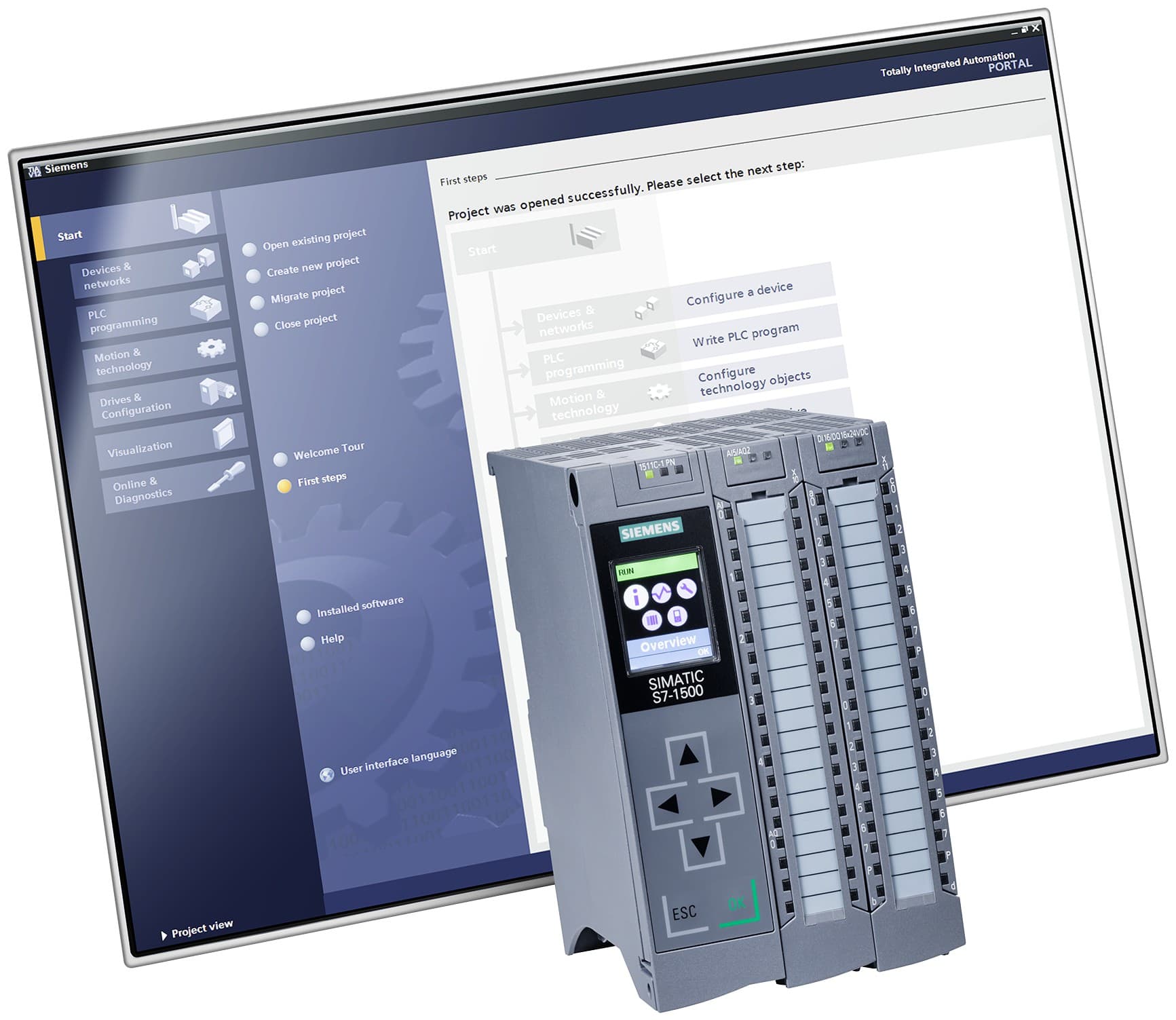
TIA PortalActive
Siemens TIA Portal engineering software
TIA Portal
Siemens' integrated engineering framework that brings PLC programming, HMI and SCADA design and drive commissioning together in one project; current version V21
نرمافزار اتوماسیون
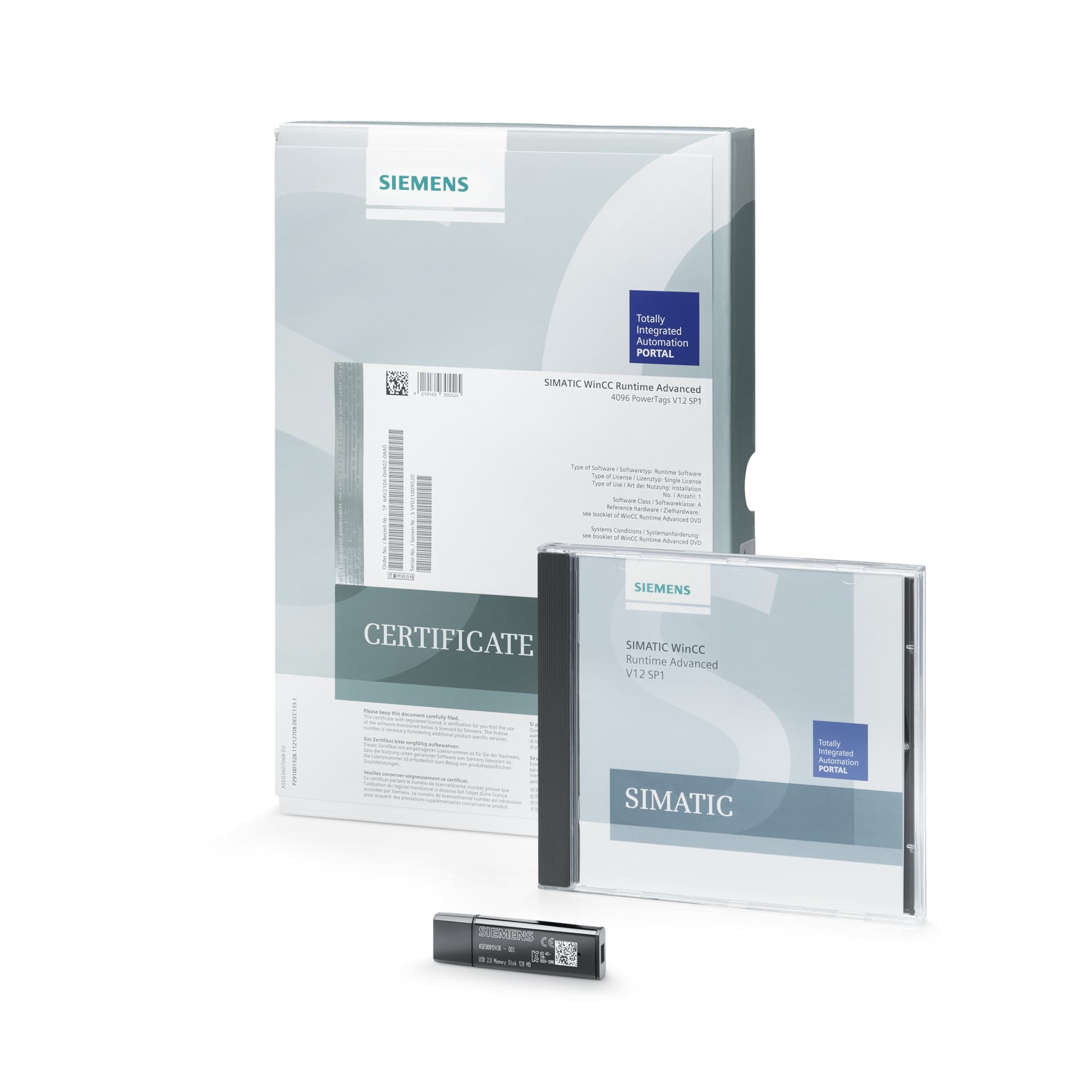
© Siemens AG
SIMATIC WinCC
Siemens HMI and SCADA engineering software in TIA Portal: the Basic, Comfort, Advanced and Professional editions and the newer WinCC Unified line (version V21)
Price and delivery time are given after a technical review.
SIMATIC WinCC is Siemens' software for building operator interfaces (HMI) and SCADA, engineered inside TIA Portal. Siemens offers two lines side by side: WinCC (TIA Portal), which its own site calls "classic and legacy" and says it continues to support, and WinCC Unified, the newer line on which its modernization roadmap is built.
WinCC Basic, Comfort, Advanced and Professional. According to Siemens' migration guide, a higher edition always includes the operator panels of the lower one. From the table in the V21 installation manual:
The editions are Unified Basic (Unified Basic Panels), Unified Comfort (Unified Basic and Comfort Panels and WinCC Unified View of Things) and Unified PC (PowerTag levels 10k, 100k and max, together with the Unified PC Runtime). Siemens says a Unified Engineering licence also configures classic Basic, Comfort and Mobile Panels and WinCC Runtime Advanced and Professional. The runtime runs on a Windows or Linux PC, on panels and on a PLC, and the web clients use HTML5, SVG and JavaScript without plug-ins. In V21 Siemens added Unified applications running on redundant servers and the Unified Data Hub as a central archive.
No end date for classic WinCC (TIA Portal) was found in the sources examined; Siemens says only that it continues to provide for users of the classic and legacy versions. WinCC flexible is an older product: the last readme found (WinCC flexible 2008 SP5 Update 2) is dated 03/2020, and Siemens' migration guide (07/2021) shows WinCC (TIA Portal) as its successor: Compact to Basic, Standard to Comfort, Advanced to Advanced; no successor is shown for Micro. From V15, WinCC (TIA Portal) no longer supports the panels that WinCC flexible 2008 SP3/SP5 could configure. No official end-of-life date for WinCC flexible was found.
Licences are keys installed with the Automation License Manager, separate for Engineering, Runtime and options. A Runtime key is transferred to the HMI device; running Runtime or simulation on the engineering PC needs its own key. A WinCC V21 key also runs older WinCC versions without restrictions. For WinCC Unified Engineering and runtime simulation Siemens offers a free 21-day trial through SiePortal.
| Model | Order code | Code type | Attributes | Request |
|---|---|---|---|---|
| WinCC Basic V21ادیشن Basic مهندسی WinCC (TIA Portal) برای پنلهای Basic؛ فقط پیشوند خانواده ثبت شده و کد کامل باید در Industry Mall تأیید شود | 6AV2100-0AA… | Example code |
| Request WinCC Basic V21 |
| WinCC Comfort V21ادیشن Comfort برای پنلهای Basic و Comfort؛ فقط پیشوند خانواده ثبت شده و کد کامل باید در Industry Mall تأیید شود | 6AV2101-0AA… | Example code |
| Request WinCC Comfort V21 |
| WinCC Advanced V21ادیشن Advanced برای پنلها و WinCC Runtime Advanced روی PC؛ زیمنس در مثال کاربردی ۰۴/۲۰۲۶ این کد را «SIMATIC WinCC Advanced V21, engineering software» مینامد | 6AV2102-0AA02-5AA5 | Exact code |
| Request WinCC Advanced V21 |
| WinCC Professional V21 (512 / 4096 / max PowerTags)ادیشن Professional برای SCADA با WinCC Runtime Professional؛ در سه سطح PowerTag عرضه میشود و کد هر سطح باید در Industry Mall تأیید شود | 6AV2103-… | Example code |
| Request WinCC Professional V21 (512 / 4096 / max PowerTags) |
| WinCC Unified Basic Engineering V21مهندسی WinCC Unified برای پنلهای Unified Basic؛ کد سفارش در منابع زیمنس پیدا نشد | — | Example code |
| Request WinCC Unified Basic Engineering V21 |
| WinCC Unified Comfort Engineering V21مهندسی WinCC Unified برای پنلهای Unified Basic و Comfort و WinCC Unified View of Things؛ کد سفارش در منابع زیمنس پیدا نشد | — | Example code |
| Request WinCC Unified Comfort Engineering V21 |
| WinCC Unified PC (10k) ES V21 (download)مهندسی WinCC Unified PC تا ۱۰ هزار PowerTag بهعلاوهٔ همهٔ هدفهای Unified Comfort؛ تحویل دانلود | 6AV2153-2FB02-5LA5 | Exact code |
| Request WinCC Unified PC (10k) ES V21 (download) |
| WinCC Unified PC (10k) ES V21 (package)همان مجوز مهندسی Unified PC (10k) بهصورت بستهٔ فیزیکی | 6AV2153-2FB02-5AA5 | Exact code |
| Request WinCC Unified PC (10k) ES V21 (package) |
| WinCC Unified PC (100k) / (max) ES V21مهندسی WinCC Unified PC برای سطوح ۱۰۰k و max از PowerTag؛ علاوه بر Unified PC Runtime این سطوح WinCC Runtime Professional کلاسیک را هم هدف میگیرند. کد سفارش پیدا نشد | — | Example code |
| Request WinCC Unified PC (100k) / (max) ES V21 |
| WinCC Unified PC (150) RT V21 (download)مجوز Runtime برای WinCC Unified PC، ردهٔ (150): عدد داخل پرانتز حداکثر تعداد PowerTagها است؛ تحویل دانلود | 6AV2154-3DB02-5LA0 | Exact code |
| Request WinCC Unified PC (150) RT V21 (download) |
| WinCC Unified PC (150) RT V21 (package)همان مجوز Runtime ردهٔ (150) (تا ۱۵۰ PowerTag) بهصورت بستهٔ فیزیکی | 6AV2154-3DB02-5AA0 | Exact code |
| Request WinCC Unified PC (150) RT V21 (package) |
| WinCC flexible 2008 SP5 (legacy)نرمافزار قدیمی مهندسی HMI خارج از TIA Portal؛ آخرین Readme پیداشده Update 2 با تاریخ ۰۳/۲۰۲۰ است. جانشین طبق راهنمای مهاجرت زیمنس WinCC (TIA Portal) است و کد سفارش پیدا نشد | — | Example code |
| Request WinCC flexible 2008 SP5 (legacy) |
| Current versionCurrent version | V21 (Update 2, readme 04/2026) |
|---|---|
| Classic editionsClassic editions | WinCC Basic, Comfort, Advanced, Professional |
| Unified editionsUnified editions | Unified Basic, Unified Comfort, Unified PC (10k, 100k, max) |
| WinCC BasicWinCC Basic | Basic Panels (classic and Unified) |
|---|---|
| WinCC ComfortWinCC Comfort | Basic and Comfort Panels (classic and Unified) |
| WinCC AdvancedWinCC Advanced | Panels (classic and Unified) + RT Advanced + Unified PC (10k) |
| WinCC Professional (512 / 4096 / max)WinCC Professional (512 / 4096 / max) | Panels + RT Advanced + RT Professional (512 / 4096 / max PowerTags) + Unified PC (10k / 10k / 100k) |
| WinCC Unified Basic ESWinCC Unified Basic ES | Unified Basic Panels, classic Basic Panels |
| WinCC Unified Comfort ESWinCC Unified Comfort ES | Unified Basic and Comfort Panels, classic Basic and Comfort Panels |
| WinCC Unified PC ES (10k)WinCC Unified PC ES (10k) | All panels + Unified PC (10k) + RT Advanced; not RT Professional |
| WinCC Unified PC ES (100k / max)WinCC Unified PC ES (100k / max) | All panels + Unified PC (100k / max) + RT Advanced + RT Professional |
| Unified runtime platformsUnified runtime platforms | Windows PC, Linux PC, panel, PLC |
|---|---|
| Licensed Unified runtime optionsLicensed Unified runtime options | Logging, Parameter sets, Process diagnostics, Client, Reporting, Runtime Openness (GraphQL), Collaboration, Audit, Data Hub, Redundancy |
| Plant Intelligence optionsPlant Intelligence options | Calendar, Performance Insight, Sequence, Line Coordination |
| Unified connectivityUnified connectivity | S7, Modbus, Allen-Bradley, Mitsubishi, OPC UA, MQTT, GraphQL |
| Web clientWeb client | HTML5, SVG, JavaScript; no plug-ins |
| Licence managementLicence management | Keys for Engineering, Runtime and options via Automation License Manager |
|---|---|
| Backward validity of a WinCC V21 keyBackward validity of a WinCC V21 key | Older WinCC versions run without restrictions |
| WinCC Unified trial (SiePortal)WinCC Unified trial (SiePortal) | 21 days free; 180 days for Unified Academy members |
| Successors of WinCC flexible (07/2021 guide)Successors of WinCC flexible (07/2021 guide) | Compact → Basic; Standard → Comfort; Advanced → Advanced; WinCC V7.x → Professional; Micro → none |
|---|---|
| Last WinCC flexible readme foundLast WinCC flexible readme found | 2008 SP5 Update 2 (03/2020) |
| WinCC (TIA Portal) V15 and WinCC flexible panelsWinCC (TIA Portal) V15 and WinCC flexible panels | Panels configurable in 2008 SP3/SP5 no longer supported; no direct migration |
WinCC Runtime Advanced
Runtime for PC-based HMI applications
WinCC Runtime Professional
Runtime for SCADA applications; licensed in 512, 4096 and max PowerTag levels
WinCC Unified PC Runtime
The Unified runtime for PCs; a V21 simulation and trial version is offered on Siemens' site
WinCC Unified Data Hub
Central archive for production data, messages and audit trails from several Unified PC runtimes (V21)
WinCC Unified Redundancy option
Option for redundant Unified PC stations for higher availability
Manual
Installation, Programming and Operating Manual, STEP 7 and WinCC V21
Installation, Programming and Operating Manual, STEP 7 and WinCC V21
Language: English · Version 11/2025
Manual
TIA Portal Updates Readme (V21 Update 1 and Update 2)
TIA Portal Updates Readme (V21 Update 1 and Update 2)
Language: English · Version 04/2026
Manual
WinCC Migration Guide (TIA Portal)
WinCC Migration Guide (TIA Portal)
Language: English · Version V3.1 07/2021
Manual
WinCC flexible 2008 SP5 Update 2 Readme
WinCC flexible 2008 SP5 Update 2 Readme
Language: English · Version 03/2020
Manual
HMI Template Suite (WinCC Unified) V21 Manual
HMI Template Suite (WinCC Unified) V21 Manual
Language: English · Version V7.0 03/2026
The difference is in the engineering targets, and a higher edition has the targets of the lower ones. Basic covers Basic Panels, Comfort covers Basic and Comfort Panels, Advanced adds WinCC Runtime Advanced on a PC, and Professional adds WinCC Runtime Professional for SCADA at 512, 4096 and max PowerTag levels. A comparison of the software features of the editions was not in the Siemens sources examined.
WinCC Unified is Siemens' newer line: a runtime on Windows and Linux PCs, panels and PLCs, web clients without plug-ins, and options such as Data Hub and Redundancy. Siemens calls the classic line "classic and legacy" and says it continues to support it; a Unified Engineering licence engineers both kinds of targets. The choice for a project depends on the panels and PCs in place and should be confirmed with a technical expert.
Yes. According to the table in the V21 installation manual, an Advanced licence covers Comfort and Basic Panels (classic and Unified), WinCC Runtime Advanced and Unified PC up to 10k, but not WinCC Runtime Professional.
A Runtime licence is bought separately from the Engineering licence and transferred to the HMI device with the Automation License Manager. Running Runtime or simulation on the engineering PC also needs its own key. For simulating WinCC Unified Siemens offers a free 21-day trial.
Siemens' migration guide (07/2021) lists the successors as follows: Compact to WinCC Basic, Standard to WinCC Comfort and Advanced to WinCC Advanced; none is shown for Micro. From WinCC (TIA Portal) V15 the panels that WinCC flexible 2008 SP3/SP5 could configure are no longer supported and a direct migration is not possible. No official discontinuation date for WinCC flexible was in the sources examined.
For WinCC Unified Engineering and runtime simulation, yes: a free 21-day trial through SiePortal, and a 180-day trial for Unified Academy members. TIA Portal itself also activates a one-time 21-day trial licence when no valid key is present.
TIA Portal
Siemens' integrated engineering framework that brings PLC programming, HMI and SCADA design and drive commissioning together in one project; current version V21
نرمافزار اتوماسیون
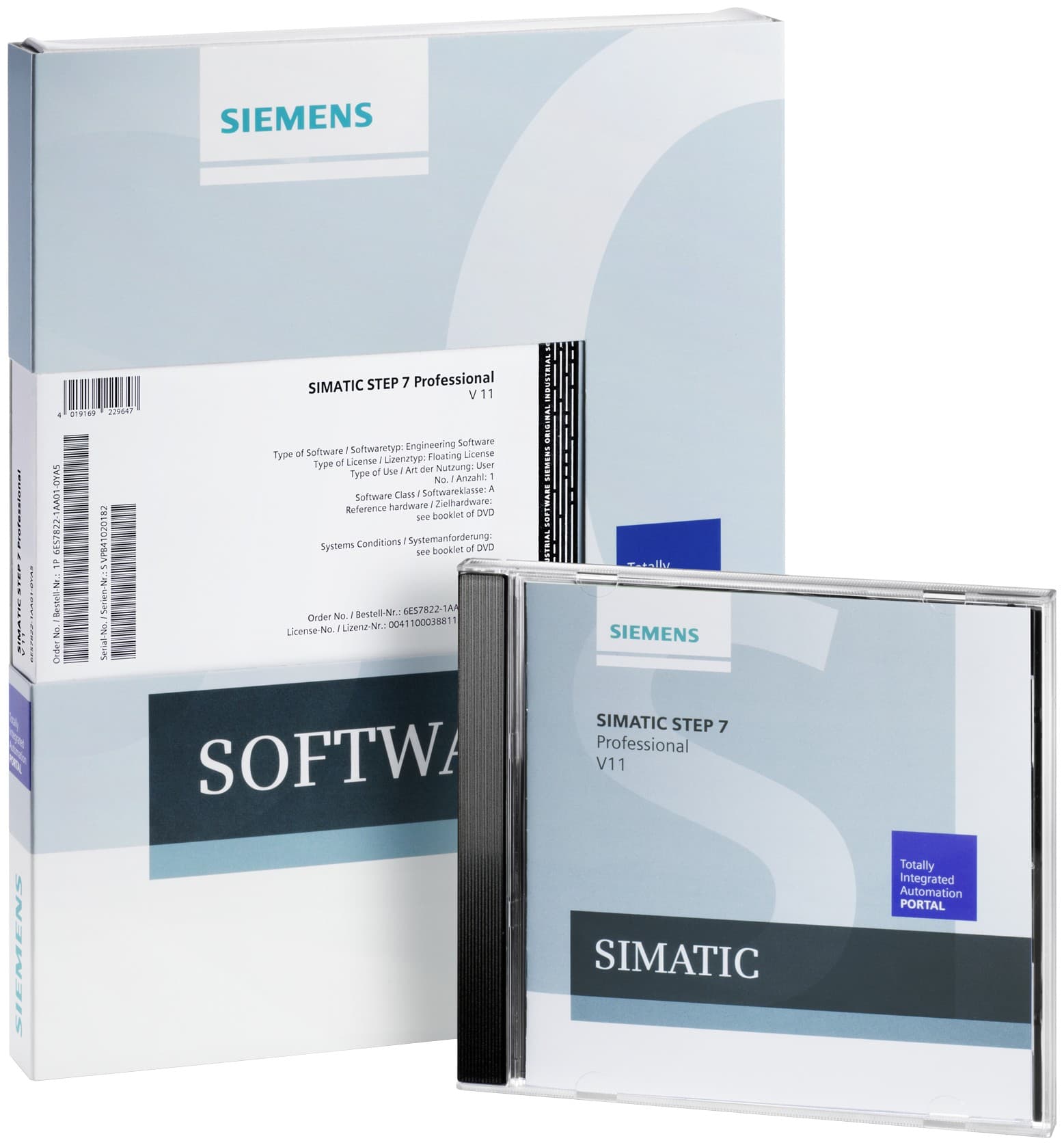
SIMATIC STEP 7
Software for configuring, programming, testing and diagnosing SIMATIC controllers: STEP 7 in TIA Portal in Basic and Professional editions, and classic STEP 7 V5.7 SP4
نرمافزار اتوماسیون
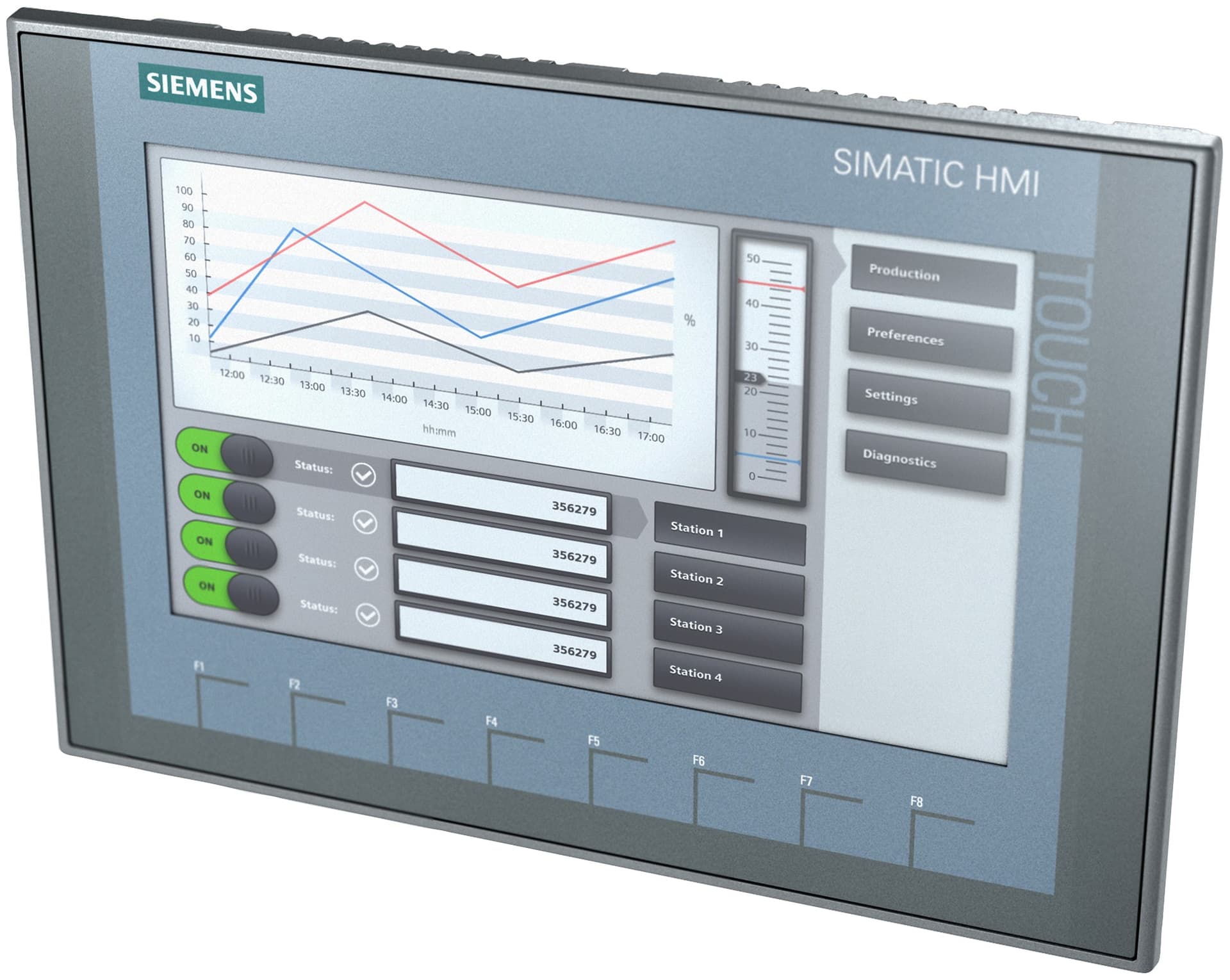
SIMATIC HMI Basic Panels 2nd Generation
Siemens touch panels with function keys in four sizes, 4.3, 7, 9 and 12 inch, for simple visualization at the machine; PROFINET and PROFIBUS versions, configured in TIA Portal
نمایشگر صنعتی (HMI)
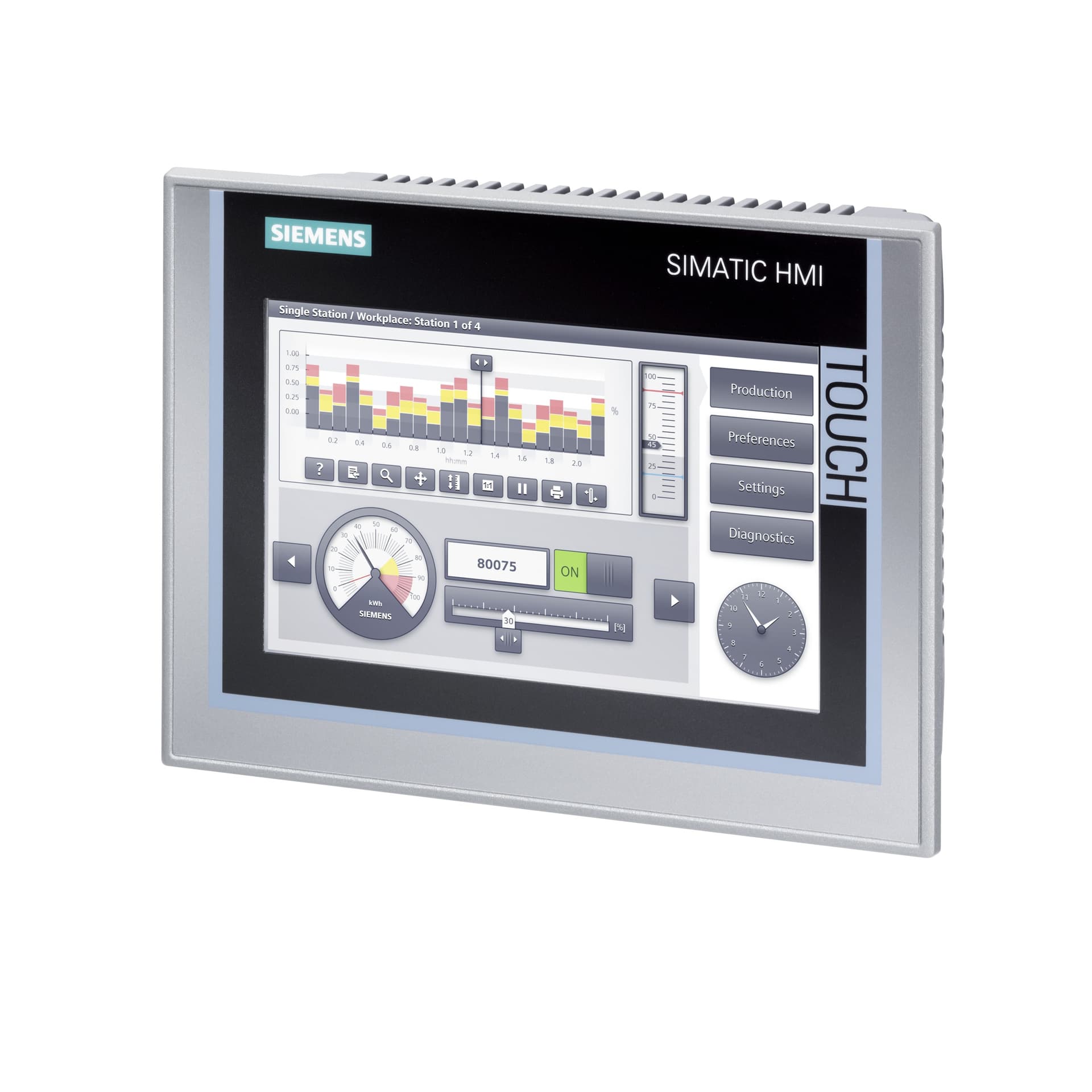
SIMATIC HMI Comfort Panels
High-end touch and key panels of Siemens' classic generation from 4.3 to 21.5 inch with 16 million colours, scripting, OPC UA and high project capacity; Siemens lists this generation as phase-out announced and names the Unified Comfort Panels as its successor
نمایشگر صنعتی (HMI)
Has a successor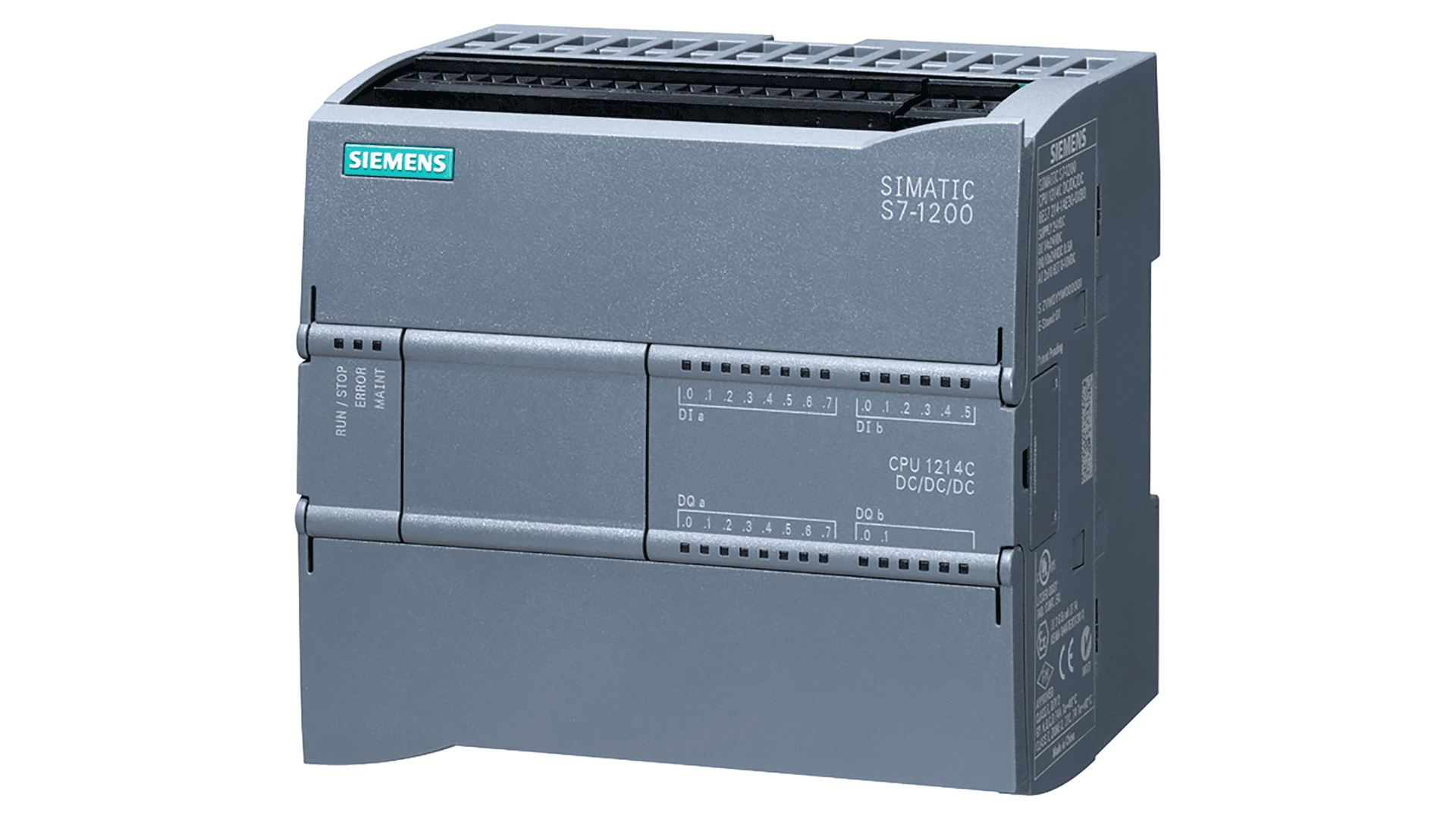
SIMATIC S7-1200
Compact Siemens controller for small to mid-size machines, with integrated I/O and a PROFINET port; the new S7-1200 G2 generation succeeds the first generation (G1)
پیالسی (PLC)
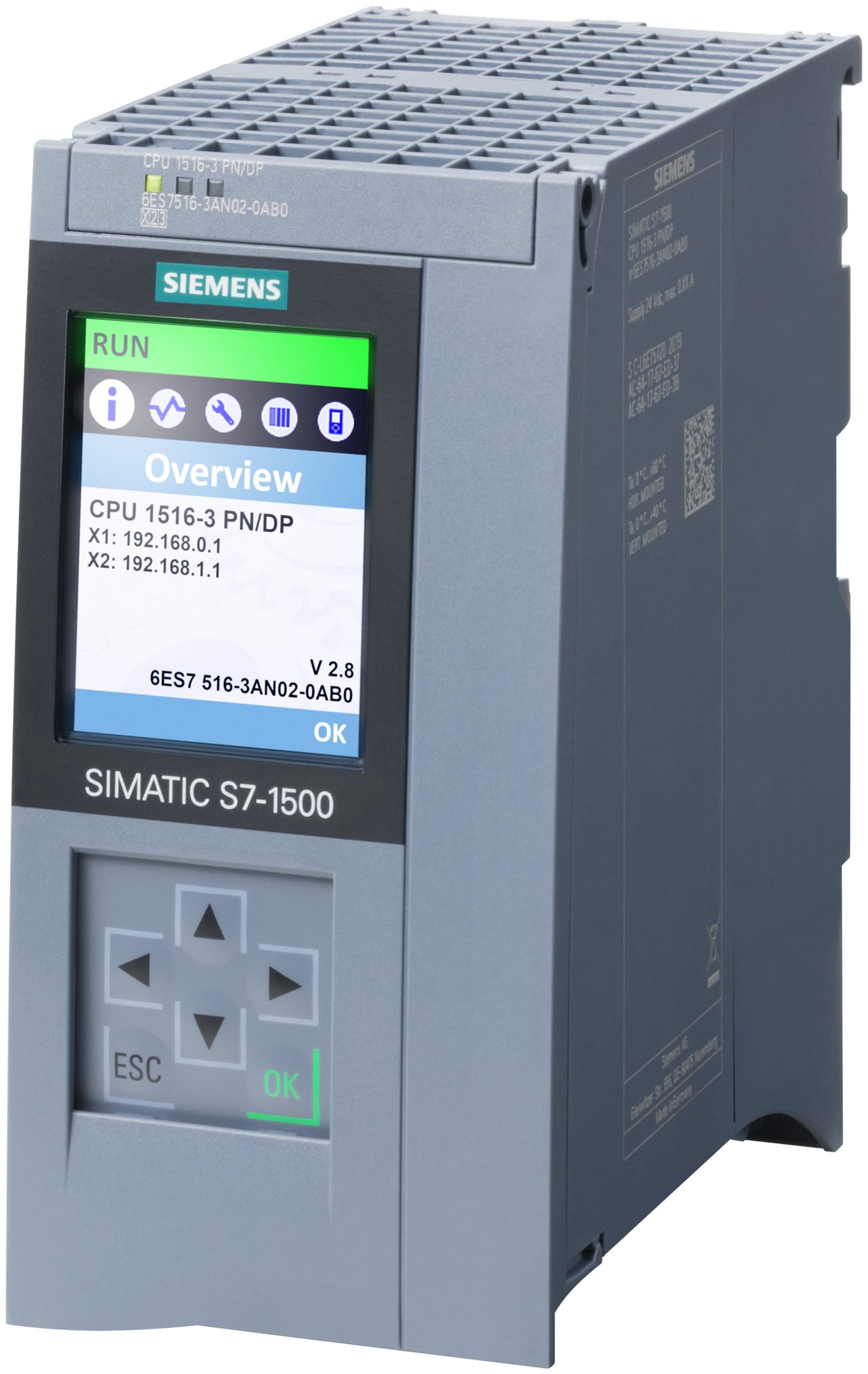
SIMATIC S7-1500
Modular Siemens advanced controller with standard, compact, fail-safe, technology and redundant CPUs, up to 162 MB of work memory and bit instruction times down to 0.3 ns
پیالسی (PLC)
Send your order code or requirement; after a technical review we give you the price and delivery time.